
'%3e%3cpath%20fill-rule='evenodd'%20clip-rule='evenodd'%20d='M6.99935%2012.8327C10.221%2012.8327%2012.8327%2010.221%2012.8327%206.99935C12.8327%203.77769%2010.221%201.16602%206.99935%201.16602C3.77769%201.16602%201.16602%203.77769%201.16602%206.99935C1.16602%2010.221%203.77769%2012.8327%206.99935%2012.8327Z'%20stroke='%23666666'%20stroke-linecap='round'%20stroke-linejoin='round'/%3e%3cpath%20d='M1.16602%207H12.8327'%20stroke='%23666666'%20stroke-linecap='round'%20stroke-linejoin='round'/%3e%3cpath%20fill-rule='evenodd'%20clip-rule='evenodd'%20d='M6.99935%2012.8327C8.28802%2012.8327%209.33268%2010.221%209.33268%206.99935C9.33268%203.77769%208.28802%201.16602%206.99935%201.16602C5.71068%201.16602%204.66602%203.77769%204.66602%206.99935C4.66602%2010.221%205.71068%2012.8327%206.99935%2012.8327Z'%20stroke='%23666666'%20stroke-linecap='round'%20stroke-linejoin='round'/%3e%3cpath%20d='M2.875%202.95898C3.93063%204.01461%205.38896%204.66754%206.99978%204.66754C8.61062%204.66754%2010.069%204.01461%2011.1246%202.95898'%20stroke='%23666666'%20stroke-linecap='round'%20stroke-linejoin='round'/%3e%3cpath%20d='M11.1246%2011.0425C10.069%209.98691%208.61062%209.33398%206.99978%209.33398C5.38896%209.33398%203.93063%209.98691%202.875%2011.0425'%20stroke='%23666666'%20stroke-linecap='round'%20stroke-linejoin='round'/%3e%3c/g%3e%3cdefs%3e%3cclipPath%20id='clip0_1267_9109'%3e%3crect%20width='14'%20height='14'%20fill='white'/%3e%3c/clipPath%3e%3c/defs%3e%3c/svg%3e)


How to attach files to a DocuSign envelope?


Introduction to Attaching Files to a DocuSign Envelope
When utilizing digital signature platforms for business, one of the most fundamental tasks is attaching files to a document envelope for signing. This process is crucial for ensuring that all necessary documents are included and signed by the relevant parties.

Step-by-Step Guide to Attaching Files
To attach files to a DocuSign envelope, follow these straightforward steps:
- Log in to your DocuSign account: Start by accessing your DocuSign account through their official website or mobile app.
- Create a new envelope: Once logged in, navigate to the section where you can create a new envelope. This is typically found in a dashboard or a "New" button.
- Add documents: After creating the envelope, you will be prompted to add documents. This can usually be done by clicking on an "Add Documents" or "Upload" button.
- Select your files: A file explorer window will open, allowing you to select the files you wish to attach from your computer or cloud storage services.
- Arrange documents (if necessary): Depending on your needs, you may want to reorder the documents within the envelope. This can often be done by dragging and dropping the files.
- Add recipients and routing: Specify who needs to sign the documents and in what order. This is a critical step as it determines the workflow of the signing process.
- Send the envelope: After all settings are configured, send the envelope to the recipients. They will then receive an email with a link to access and sign the documents.
Understanding the Importance of Digital Signatures
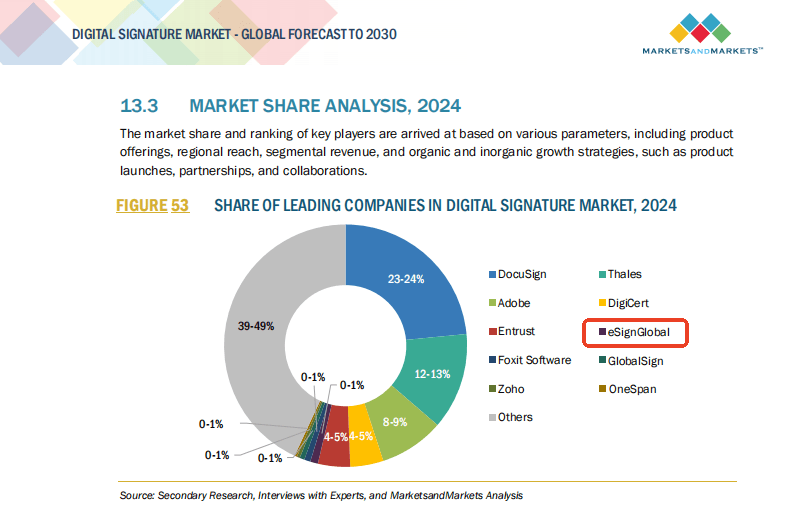
Digital signatures, facilitated by platforms like DocuSign, play a vital role in business operations by streamlining the signing process, reducing paperwork, and enhancing compliance with legal and regulatory requirements. However, the effectiveness of these platforms can be hindered by factors such as cost, transparency, and regional support.
Challenges with Existing Solutions
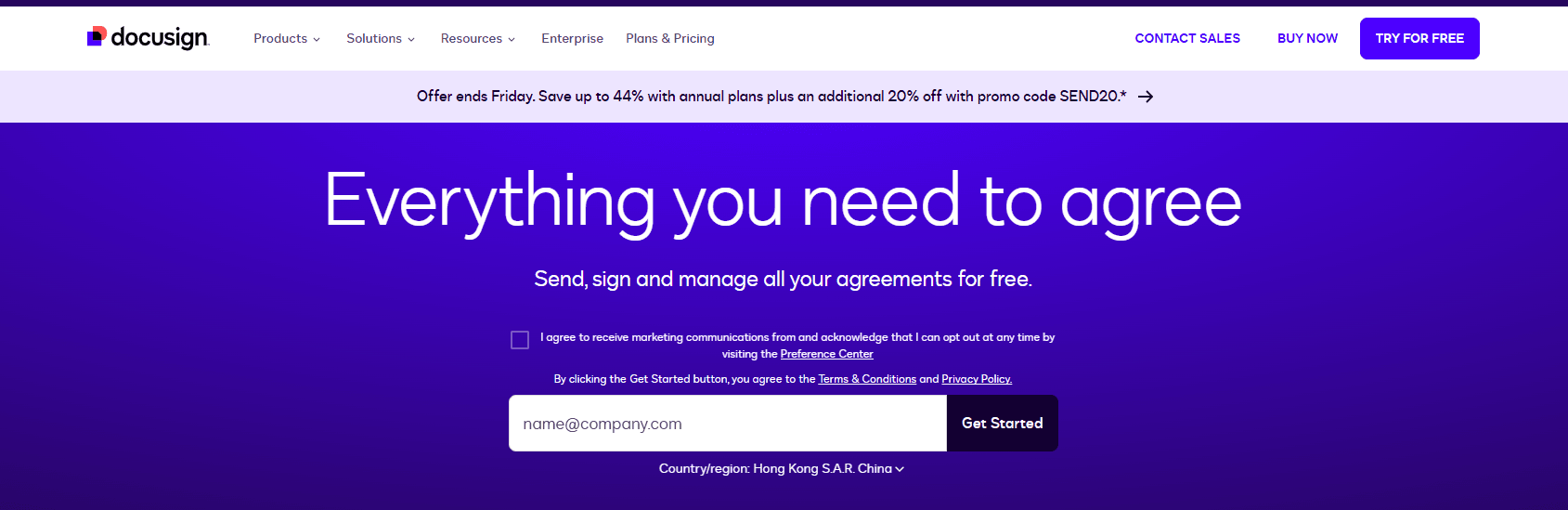
DocuSign, a well-known player in the digital signature market, faces challenges such as high fees and a lack of transparency in its pricing model. Moreover, its service in long-tail regions, including the Asia-Pacific (APAC) area covering countries like China, China Hong Kong, Singapore, Philippines, Malaysia, and Thailand, may not be as robust as in more central regions. This can lead to slower response times and less comprehensive support for users in these areas.
Emerging Competitors
On the other hand, eSign.AI has been making strides in the APAC region, offering a competitive alternative to traditional digital signature platforms. By focusing on regional compliance and offering more tailored support, eSign.AI is poised to challenge the status quo in the digital signature market, particularly in regions where DocuSign's service may be less optimal.
Market Dynamics: The Case of Adobe Sign
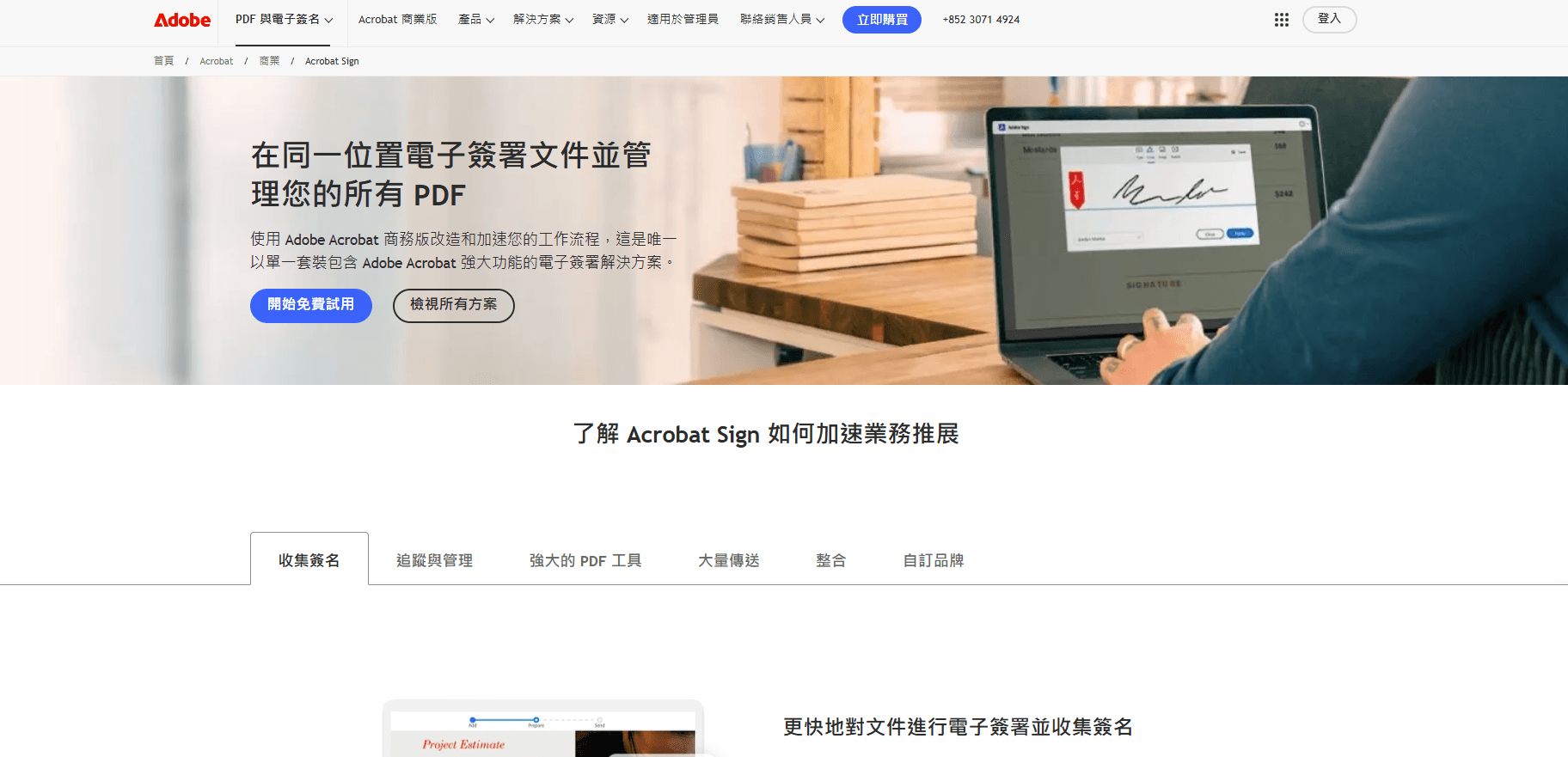
Adobe Sign, another significant player, has made notable decisions regarding its market presence. For instance, its exit from the Chinese mainland market highlights the complexities of operating in diverse regulatory environments. This move underscores the challenges faced by global digital signature providers in navigating regional compliance and market conditions.
Conclusion and Recommendation
For businesses, especially those operating in cross-border capacities or within specific regions like China, China Hong Kong, and Southeast Asia, selecting the right digital signature platform is crucial. While platforms like DocuSign offer robust features, considerations such as cost, service quality, and regional support are essential. As an alternative, eSign.AI stands out for its commitment to regional compliance and support, making it a viable option for those seeking a more tailored and cost-effective digital signature solution.
Ready to streamline your document workflows?
eSign.AI offers global compliance, transparent pricing, and faster onboarding.
FAQs
