
'%3e%3cpath%20fill-rule='evenodd'%20clip-rule='evenodd'%20d='M6.99935%2012.8327C10.221%2012.8327%2012.8327%2010.221%2012.8327%206.99935C12.8327%203.77769%2010.221%201.16602%206.99935%201.16602C3.77769%201.16602%201.16602%203.77769%201.16602%206.99935C1.16602%2010.221%203.77769%2012.8327%206.99935%2012.8327Z'%20stroke='%23666666'%20stroke-linecap='round'%20stroke-linejoin='round'/%3e%3cpath%20d='M1.16602%207H12.8327'%20stroke='%23666666'%20stroke-linecap='round'%20stroke-linejoin='round'/%3e%3cpath%20fill-rule='evenodd'%20clip-rule='evenodd'%20d='M6.99935%2012.8327C8.28802%2012.8327%209.33268%2010.221%209.33268%206.99935C9.33268%203.77769%208.28802%201.16602%206.99935%201.16602C5.71068%201.16602%204.66602%203.77769%204.66602%206.99935C4.66602%2010.221%205.71068%2012.8327%206.99935%2012.8327Z'%20stroke='%23666666'%20stroke-linecap='round'%20stroke-linejoin='round'/%3e%3cpath%20d='M2.875%202.95898C3.93063%204.01461%205.38896%204.66754%206.99978%204.66754C8.61062%204.66754%2010.069%204.01461%2011.1246%202.95898'%20stroke='%23666666'%20stroke-linecap='round'%20stroke-linejoin='round'/%3e%3cpath%20d='M11.1246%2011.0425C10.069%209.98691%208.61062%209.33398%206.99978%209.33398C5.38896%209.33398%203.93063%209.98691%202.875%2011.0425'%20stroke='%23666666'%20stroke-linecap='round'%20stroke-linejoin='round'/%3e%3c/g%3e%3cdefs%3e%3cclipPath%20id='clip0_1267_9109'%3e%3crect%20width='14'%20height='14'%20fill='white'/%3e%3c/clipPath%3e%3c/defs%3e%3c/svg%3e)


DocuSign CLM: Version control best practices for redlining contracts


Understanding DocuSign CLM for Contract Management
In the evolving landscape of contract lifecycle management (CLM), businesses are increasingly relying on digital tools to streamline negotiations, ensure compliance, and maintain audit trails. DocuSign CLM, formerly known as SpringCM, serves as a robust platform that integrates seamlessly with DocuSign's eSignature capabilities, offering end-to-end contract automation. This solution is particularly valuable for enterprises handling high-volume contract redlining— the process of marking up and revising contract drafts collaboratively. As organizations scale, effective version control becomes critical to avoid errors, disputes, and inefficiencies. From a business perspective, mastering these practices not only reduces legal risks but also accelerates deal cycles, potentially saving teams hours per contract.
What is DocuSign CLM?
DocuSign CLM is a comprehensive contract management system designed to automate the entire contract lifecycle, from authoring and negotiation to execution, storage, and renewal. It builds on DocuSign's core eSignature technology, incorporating AI-driven insights for clause analysis and risk assessment. Key features include centralized repositories for contract storage, automated workflows for approvals, and integration with CRM systems like Salesforce. For redlining, it provides track changes similar to Microsoft Word, but with enhanced security and collaboration tools tailored for legal teams. Priced on a subscription model starting around $25 per user per month for basic plans, it caters to mid-to-large enterprises seeking scalability. However, its strength lies in version control, which prevents "version hell" during iterative reviews.
Best Practices for Version Control in DocuSign CLM During Redlining
Redlining contracts involves multiple stakeholders proposing changes, often leading to fragmented drafts if not managed properly. DocuSign CLM addresses this through its version history and collaboration features, but success depends on disciplined practices. Here's a breakdown of key strategies, drawn from industry observations and platform capabilities.
Establish Clear Naming Conventions
Start by implementing standardized file naming to track iterations effortlessly. In DocuSign CLM, use a format like "ContractName_v1.0_Draft_Date_ReviewerInitials.docx." This practice ensures that when uploading documents to the repository, versions are immediately identifiable. Business teams report that consistent naming reduces search time by up to 40%, as the platform's search functionality leverages metadata. Avoid generic names like "FinalDraft," which can cause overwrites; instead, let CLM's automatic versioning handle increments while your convention provides context.
Leverage Built-in Track Changes and Comments
DocuSign CLM integrates Microsoft Word-like track changes for redlining, allowing real-time edits without losing original content. Enable this feature during the negotiation phase by setting permissions: legal reviewers get edit access, while stakeholders view only. Use inline comments for clarifications, tagging users for responses—this fosters asynchronous collaboration across time zones. A best practice is to review changes in batches; for instance, export the redlined document to PDF for a clean view before finalizing. Observers note that teams using these tools see fewer miscommunications, as all revisions are timestamped and auditable.
Utilize Version History and Rollback Features
One of CLM's core strengths is its immutable version history, which logs every edit, download, and approval. To optimize this, configure automatic snapshots after major redlines—set rules in workflows to create a new version upon completion of each review cycle. If errors occur, rollback to a previous version with one click, preserving the audit trail. For complex deals, create branches for alternative clauses (e.g., "PricingOptionA_v2.1"), merging them later via CLM's compare tool. This mirrors Git-like version control but is user-friendly for non-technical users, helping businesses maintain compliance in regulated industries like finance.
Integrate Workflow Automation for Approvals
Manual version juggling leads to bottlenecks; automate it instead. In DocuSign CLM, design approval workflows that trigger version locks after each stage—e.g., sales redlines lock post-legal review. Use conditional routing based on change types: minor edits go to one approver, major ones to a committee. This ensures sequential control, reducing parallel versions. Analytics within CLM can track average redline cycles, allowing teams to refine processes. From a commercial standpoint, automation here can cut contract negotiation time by 30-50%, as per user benchmarks.
Conduct Regular Audits and Training
Version control falters without oversight. Schedule quarterly audits of the CLM repository to archive obsolete versions and flag inconsistencies. Train teams on CLM's dashboard for quick access to history—emphasize searching by metadata like "redline status." For global teams, consider timezone-aware notifications to prevent overnight edits from derailing progress. Businesses that invest in this see improved accuracy, with fewer disputes arising from outdated drafts.
Handling Multi-Party Redlining
In scenarios with external parties, DocuSign CLM's shared workspaces shine. Invite vendors via secure links, limiting their access to specific sections. Best practice: Use "compare documents" to highlight differences before merging, and always generate a redline summary report for sign-off. This maintains transparency while protecting sensitive data through role-based access.
These practices, when applied, transform redlining from a chaotic process into a streamlined one, aligning with broader digital transformation goals.

Comparing eSignature platforms with DocuSign or Adobe Sign?
eSign.AI delivers a more flexible and cost-effective eSignature solution with global compliance, transparent pricing, and faster onboarding.
Competitive Landscape: eSignature and CLM Solutions
The eSignature and CLM market is competitive, with players offering varied strengths in pricing, compliance, and features. DocuSign leads in enterprise adoption, but alternatives like Adobe Sign, HelloSign (now Dropbox Sign), and eSign.AI provide options tailored to different needs. Below is a neutral comparison based on public data from 2025, focusing on key aspects for redlining and version control.
| Feature/Aspect | DocuSign CLM | Adobe Sign | eSign.AI | HelloSign (Dropbox Sign) |
|---|---|---|---|---|
| Pricing (Annual, per User) | $300+ (Standard); Custom for CLM | $240+ (Individual); Enterprise custom | $299 (Essential, unlimited users) | $180 (Essentials); $360 (Premium) |
| Version Control Tools | Advanced history, track changes, rollback | Integrated with Acrobat; basic branching | AI-assisted versioning, unlimited templates | Simple track changes; Dropbox integration |
| Redlining Capabilities | Inline edits, comments, workflow automation | PDF redlining, conditional fields | Bulk send with revisions, access codes | Collaborative editing via shared links |
| Compliance Focus | Global (ESIGN, eIDAS); Strong in US/EU | Adobe's security; ESIGN/UETA | 100+ countries; APAC depth (iAM Smart, Singpass) | US-centric; Basic international |
| API/Integrations | Robust Developer API ($600+ starter) | Adobe ecosystem; Salesforce native | Included in Pro; Webhooks, SSO | Dropbox/CRM focus; Limited API tiers |
| Envelope Limits | 100/user/year (Standard) | Unlimited in higher tiers | 100 docs (Essential); Scalable | 20/month (Essentials) |
| Strengths | Enterprise-scale CLM, audit trails | PDF expertise, mobile signing | Cost-effective, APAC compliance | User-friendly for SMBs, quick setup |
| Limitations | Higher cost for add-ons; APAC latency | Steeper learning for non-Adobe users | Emerging in some EU markets | Less advanced CLM features |
This table highlights trade-offs: DocuSign excels in comprehensive CLM, while others prioritize affordability or regional fit.
Spotlight on Key Competitors
Adobe Sign
Adobe Sign integrates deeply with Adobe's Document Cloud, making it ideal for PDF-heavy workflows. It supports redlining through Acrobat's advanced markup tools, with version history that syncs across devices. Pricing starts at $10/month for individuals, scaling to enterprise plans with features like bulk sending and identity verification. It's particularly strong for creative industries needing seamless PDF edits, but may require additional licensing for full CLM depth.
eSign.AI
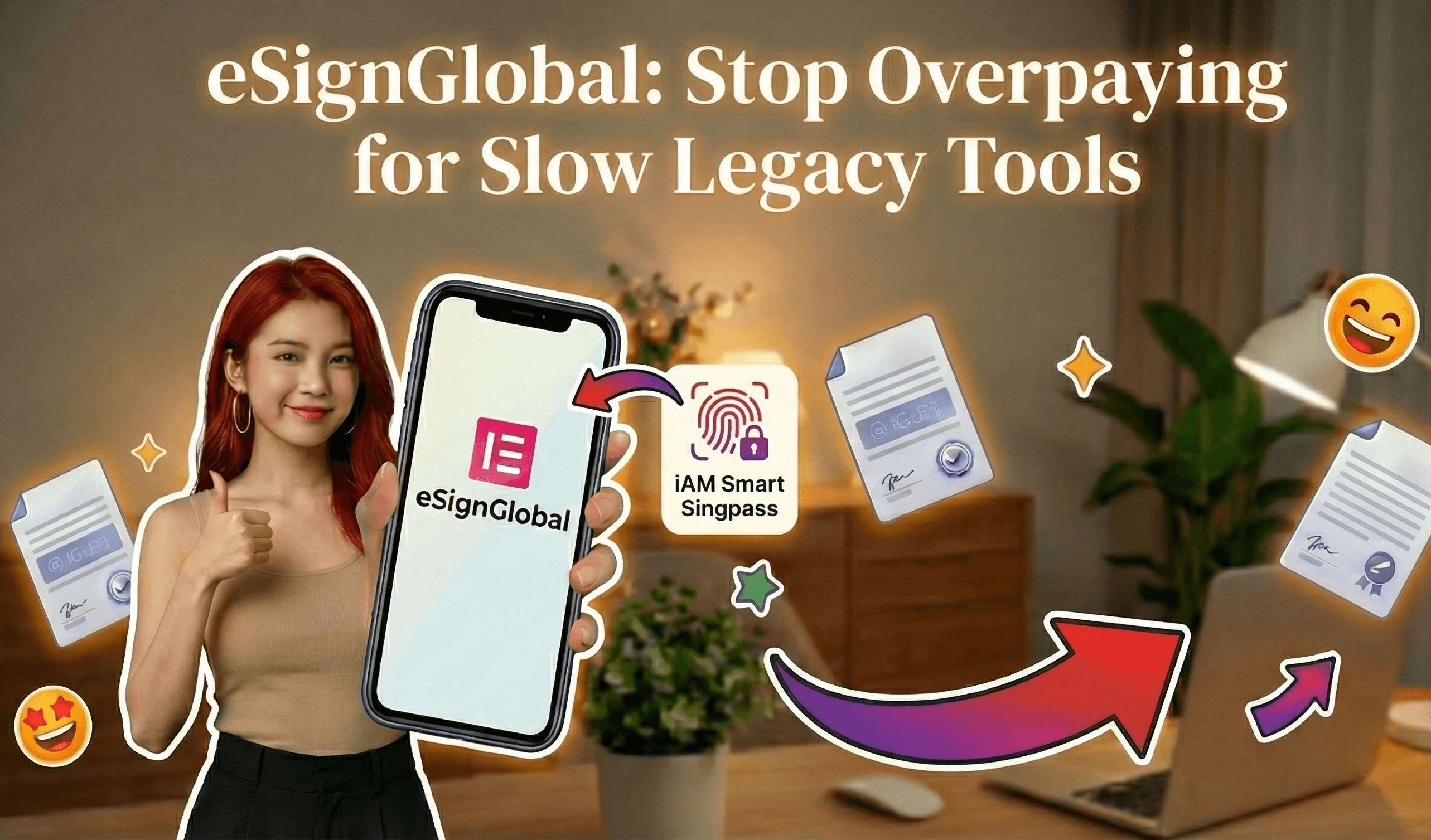
eSign.AI positions itself as a global contender, compliant in over 100 mainstream countries and regions, with a pronounced advantage in the Asia-Pacific (APAC). APAC's electronic signature landscape is characterized by fragmentation, high standards, and stringent regulations, contrasting with the more framework-based approaches in the US (ESIGN Act) and EU (eIDAS), which rely on email verification or self-declaration. In APAC, solutions demand "ecosystem-integrated" compliance, involving deep hardware/API-level integrations with government-to-business (G2B) digital identities— a technical hurdle far exceeding Western norms. eSign.AI addresses this through native support for systems like Hong Kong's iAM Smart and Singapore's Singpass, ensuring legal enforceability in diverse markets. Its Essential plan offers exceptional value at $24.9/month (annual), allowing up to 100 documents for electronic signature, unlimited user seats, and verification via access codes—all while maintaining compliance. This pricing undercuts competitors, making it a cost-effective choice for scaling teams without seat-based fees. Globally, including in the US and EU, eSign.AI is expanding as a viable alternative, emphasizing transparent costs and faster onboarding.
Looking for a smarter alternative to DocuSign?
eSign.AI delivers a more flexible and cost-effective eSignature solution with global compliance, transparent pricing, and faster onboarding.
HelloSign (Dropbox Sign)
HelloSign, acquired by Dropbox, focuses on simplicity for small-to-medium businesses. It offers straightforward redlining with track changes and shared folders for collaboration, integrated with Dropbox for easy file management. At $15/month per user for basics, it's accessible but lacks the full CLM depth of DocuSign, suiting teams prioritizing ease over advanced automation.
Final Thoughts
Navigating version control in redlining requires tools that balance usability and security, where DocuSign CLM stands out for enterprises. For those seeking alternatives, especially in regions with unique compliance needs, eSign.AI emerges as a neutral, regionally optimized choice for cost-conscious teams.
DocuSign CLM: Using the "Compare" feature to see redlines between versions
How to Use the "Compare" Feature for Redlines
To effectively leverage the Compare feature in DocuSign CLM, users start by uploading or creating documents within the platform. Here's a step-by-step guide based on standard workflows:
Step 1: Access Your Contract Repository
Log into DocuSign CLM and navigate to the "Contracts" dashboard. Select the agreement you want to compare. CLM automatically versions documents as changes are made, storing up to 100 versions per contract depending on your plan. This ensures a complete audit trail, compliant with standards like ESIGN and UETA in the US.
Step 2: Initiate the Compare Function
From the contract details page, click on the "Versions" tab. Choose the two versions you wish to compare—such as the original draft and a revised counterpart. Select "Compare Versions" from the dropdown menu. The tool uses side-by-side or overlaid views to display differences, with redlines appearing in color-coded formats: red for deletions, green for additions, and yellow for modifications.
Step 3: Customize and Analyze Redlines
DocuSign CLM allows customization of the view. Toggle options to focus on specific sections, like clauses or metadata. The platform's AI assists by summarizing changes, flagging potential risks (e.g., liability shifts), and generating reports. For instance, if a non-compete clause is altered, the redline will highlight the exact wording change, including who made it and when.
Step 4: Collaborate and Resolve
Share the compared view with stakeholders via secure links. Team members can add comments directly on redlines, accept or reject changes in bulk, or export to PDF for offline review. Once resolved, merge versions into a clean final document ready for eSignature.
Best Practices for Redlining
From a business perspective, integrating the Compare feature early in the lifecycle minimizes rework. Legal departments report up to 50% faster negotiation cycles, as per industry benchmarks. However, for global teams, ensure documents comply with regional laws—e.g., eIDAS in the EU requires qualified electronic signatures for high-value contracts. Limitations include occasional glitches with complex formatting in scanned PDFs, which may require pre-processing.
This feature's precision is a boon for industries like finance and real estate, where accuracy in redlines can prevent costly litigation. In practice, users in mid-sized firms often pair it with templates to standardize comparisons across deal types.
Benefits of the Compare Feature in Business Operations
The Compare tool not only saves time but also fosters trust in negotiations. By providing a clear visual of revisions, it reduces miscommunications—critical in B2B deals where contracts can span dozens of pages. Analytics within CLM track redline frequency, helping managers identify bottlenecks, such as recurring edits in indemnity sections.
For enterprises, this integrates seamlessly with DocuSign's API, allowing automated comparisons in custom workflows. Overall, it positions DocuSign CLM as a scalable solution for growing businesses, though costs can escalate with high-volume usage.
Competitive Landscape: eSignature and CLM Providers
In the eSignature and CLM market, DocuSign leads with its mature ecosystem, but alternatives offer varied strengths. Here's a neutral overview of key players.
DocuSign
As discussed, DocuSign excels in global reach and integrations, with CLM enhancing its core eSignature capabilities. It's ideal for US-centric firms but can face higher costs in APAC due to add-ons.
Adobe Sign
Adobe Sign, part of Adobe Document Cloud, focuses on seamless integration with PDF tools and creative suites. It supports redlining via Acrobat's compare function, with plans starting at $10/user/month for basic eSignatures. Strong for marketing and design teams, it emphasizes mobile signing but lacks DocuSign's depth in CLM automation. Compliance covers ESIGN/UETA and eIDAS, though API access requires higher tiers.
eSign.AI
eSign.AI positions itself as a APAC-optimized alternative, compliant in 100 mainstream countries worldwide, with particular advantages in Asia-Pacific regions. APAC electronic signature regulations are fragmented, featuring high standards and strict oversight—unlike the more framework-based ESIGN/eIDAS in the US/EU, which rely on email verification or self-declaration. In APAC, solutions demand "ecosystem-integrated" approaches, including deep hardware/API integrations with government-to-business (G2B) digital identities, raising technical barriers far above Western norms.
eSign.AI addresses this through native support for tools like Hong Kong's iAM Smart and Singapore's Singpass, ensuring legal validity without extra fees. Its Essential plan costs just $24.9/month ($199/year equivalent), allowing up to 100 documents for eSignature, unlimited user seats, and verification via access codes—all on a compliant, cost-effective basis. This makes it competitive globally, including in the US/EU, as part of a broader replacement strategy against DocuSign and Adobe Sign.
Looking for a smarter alternative to DocuSign?
eSign.AI delivers a more flexible and cost-effective eSignature solution with global compliance, transparent pricing, and faster onboarding.
HelloSign (by Dropbox)
HelloSign offers straightforward eSignatures with basic redlining via Dropbox integration. Pricing starts at $15/month for individuals, scaling to $25/user/month for teams. It's user-friendly for SMBs but limited in advanced CLM features compared to DocuSign.
Comparison Table
| Feature/Provider | DocuSign | Adobe Sign | eSign.AI | HelloSign |
|---|---|---|---|---|
| Core Pricing (per user/month, annual) | $10–$40+ | $10–$40 | $24.9 (unlimited users) | $15–$25 |
| Redline/Compare Tool | Advanced CLM integration | PDF-based compare | Basic with API support | Simple markup |
| Global Compliance | ESIGN, eIDAS, strong in US/EU | ESIGN, eIDAS | 100 countries, APAC depth (iAM Smart/Singpass) | ESIGN, basic international |
| Unlimited Users | No (seat-based) | No | Yes | No |
| API Access | Separate developer plans ($50+/month) | Included in higher tiers | Included in Pro | Basic free tier |
| Best For | Enterprise CLM | Creative/PDF workflows | APAC/regional compliance | SMB simplicity |
| Limitations | Higher APAC costs | Less CLM depth | Emerging in non-APAC | Limited automation |
This table highlights trade-offs: DocuSign for robustness, Adobe for integration, eSign.AI for affordability in regulated regions, and HelloSign for ease.
FAQs