
'%3e%3cpath%20fill-rule='evenodd'%20clip-rule='evenodd'%20d='M6.99935%2012.8327C10.221%2012.8327%2012.8327%2010.221%2012.8327%206.99935C12.8327%203.77769%2010.221%201.16602%206.99935%201.16602C3.77769%201.16602%201.16602%203.77769%201.16602%206.99935C1.16602%2010.221%203.77769%2012.8327%206.99935%2012.8327Z'%20stroke='%23666666'%20stroke-linecap='round'%20stroke-linejoin='round'/%3e%3cpath%20d='M1.16602%207H12.8327'%20stroke='%23666666'%20stroke-linecap='round'%20stroke-linejoin='round'/%3e%3cpath%20fill-rule='evenodd'%20clip-rule='evenodd'%20d='M6.99935%2012.8327C8.28802%2012.8327%209.33268%2010.221%209.33268%206.99935C9.33268%203.77769%208.28802%201.16602%206.99935%201.16602C5.71068%201.16602%204.66602%203.77769%204.66602%206.99935C4.66602%2010.221%205.71068%2012.8327%206.99935%2012.8327Z'%20stroke='%23666666'%20stroke-linecap='round'%20stroke-linejoin='round'/%3e%3cpath%20d='M2.875%202.95898C3.93063%204.01461%205.38896%204.66754%206.99978%204.66754C8.61062%204.66754%2010.069%204.01461%2011.1246%202.95898'%20stroke='%23666666'%20stroke-linecap='round'%20stroke-linejoin='round'/%3e%3cpath%20d='M11.1246%2011.0425C10.069%209.98691%208.61062%209.33398%206.99978%209.33398C5.38896%209.33398%203.93063%209.98691%202.875%2011.0425'%20stroke='%23666666'%20stroke-linecap='round'%20stroke-linejoin='round'/%3e%3c/g%3e%3cdefs%3e%3cclipPath%20id='clip0_1267_9109'%3e%3crect%20width='14'%20height='14'%20fill='white'/%3e%3c/clipPath%3e%3c/defs%3e%3c/svg%3e)


Using DocuSign for HIPAA Business Associate Agreements (BAA)


Navigating HIPAA Compliance in Digital Signatures
In the evolving landscape of healthcare compliance, electronic signatures have become indispensable for streamlining administrative processes while adhering to stringent regulations. For businesses handling protected health information (PHI) in the United States, HIPAA Business Associate Agreements (BAAs) are a cornerstone of legal and operational integrity. These agreements outline the responsibilities of business associates—third-party vendors—who process PHI on behalf of covered entities like hospitals or insurers. As digital transformation accelerates, tools like DocuSign offer a pathway to execute BAAs efficiently, but their use must align with U.S. electronic signature laws to ensure enforceability and compliance.
Understanding HIPAA and U.S. Electronic Signature Regulations
HIPAA, enacted in 1996 and amended by the HITECH Act in 2009, sets standards for protecting sensitive patient data. A BAA is a contract required under HIPAA's Privacy and Security Rules (45 CFR Parts 160 and 164), binding business associates to safeguard PHI and report breaches. Non-compliance can result in fines up to $1.5 million per violation annually, making robust execution critical.
In the U.S., electronic signatures are governed by the Electronic Signatures in Global and National Commerce Act (ESIGN, 2000) and the Uniform Electronic Transactions Act (UETA), adopted by 49 states. These laws grant electronic signatures the same legal validity as wet-ink signatures, provided they meet three core criteria: intent to sign, consent to electronic records, and record association with the signature. For HIPAA-related documents like BAAs, additional safeguards apply—signatures must maintain audit trails, ensure data integrity, and prevent unauthorized access. The FDA's 21 CFR Part 11 further mandates electronic records in regulated industries (including healthcare) to be trustworthy, reliable, and equivalent to paper records, emphasizing secure controls like encryption and user authentication.
From a business perspective, these regulations create a balanced framework: flexible enough for digital adoption yet rigorous to protect privacy. However, challenges arise in verifying signer identity and maintaining tamper-evident logs, particularly for cross-state or international vendors. This is where platforms like DocuSign step in, bridging compliance needs with operational efficiency.

Comparing eSignature platforms with DocuSign or Adobe Sign?
eSign.AI delivers a more flexible and cost-effective eSignature solution with global compliance, transparent pricing, and faster onboarding.
Leveraging DocuSign for HIPAA BAAs: A Step-by-Step Guide
DocuSign, a leader in electronic signature solutions, explicitly supports HIPAA compliance through its Business Associate Agreement offerings. As a certified BAA provider, DocuSign signs BAAs with its customers, ensuring that PHI transmitted via its platform is handled securely. This integration makes it a practical choice for healthcare providers and associates executing their own BAAs with vendors.
Why DocuSign Fits HIPAA BAA Execution
DocuSign's eSignature platform complies with ESIGN, UETA, and 21 CFR Part 11, featuring tamper-evident seals, detailed audit trails, and role-based access controls. For BAAs, which often involve sensitive clauses on data use, breach notification, and termination, DocuSign's tools ensure documents remain unaltered post-signing. Its Identity and Access Management (IAM) features, part of higher-tier plans like Business Pro or Enhanced, enhance security with multi-factor authentication (MFA), single sign-on (SSO), and advanced encryption—critical for HIPAA's Security Rule.
Additionally, DocuSign's Contract Lifecycle Management (CLM) module, available in enterprise plans, extends beyond signing to full agreement management. CLM automates workflows for drafting, negotiating, and storing BAAs, integrating with CRM systems like Salesforce for seamless PHI handling. Pricing starts at $10/month for Personal plans but scales to $40/user/month for Business Pro, with custom Enhanced plans for HIPAA-heavy users including dedicated support and compliance consulting.
Implementing DocuSign for BAAs: Best Practices
To use DocuSign effectively for HIPAA BAAs:
-
Preparation and Template Setup: Upload a standard BAA template compliant with HHS guidelines (available on the HHS website). Use DocuSign's template library to add fields for signer details, ensuring conditional logic for role-specific approvals (e.g., auto-populate breach reporting timelines).
-
Secure Sending and Signing: Enable SMS or email delivery with access codes for identity verification. For high-risk BAAs, activate signer attachments to require proof of authority (e.g., corporate resolutions). DocuSign's bulk send feature in Business Pro allows simultaneous execution with multiple associates, ideal for networks of vendors.
-
Compliance Verification: Post-signing, leverage audit logs to track every action—views, edits, and signatures—with timestamps and IP verification. Integrate with DocuSign's Insight analytics for ongoing monitoring of BAA performance, flagging potential risks like delayed renewals.
-
Add-Ons for Enhanced Security: Opt for Identity Verification (IDV) add-ons, priced per use, which include biometric checks or document scans to meet HIPAA's authentication standards. SMS/WhatsApp notifications ensure timely responses without compromising security.
Businesses report up to 80% faster BAA processing with DocuSign, reducing administrative burdens while minimizing compliance gaps. However, for organizations with over 50 users, custom pricing via sales is necessary, and overages on envelope quotas (e.g., 100/year/user in Standard plans) can add costs.
Evaluating Alternatives: A Neutral Comparison of eSignature Platforms
While DocuSign excels in U.S.-centric compliance, exploring alternatives can optimize costs and features for specific needs. Below is a markdown comparison of key players, focusing on HIPAA BAA suitability, pricing, and broader capabilities. This analysis draws from public 2025 data, highlighting trade-offs without endorsing any single option.
| Platform | HIPAA BAA Support | Pricing (Annual, USD) | Key Strengths | Limitations | User Limit & Envelopes |
|---|---|---|---|---|---|
| DocuSign | Full BAA provider; 21 CFR Part 11 compliant; IAM/CLM for lifecycle management | Personal: $120; Standard: $300/user; Business Pro: $480/user; Enterprise: Custom | Robust audit trails, bulk send, API integrations; Global reach with add-ons like IDV | Seat-based fees scale with team size; Higher API costs ($600+ for Starter) | Up to 50 users; ~100 envelopes/user/year |
| Adobe Sign | Supports HIPAA via BAA; ESIGN/UETA compliant; Integrates with Adobe ecosystem | Individual: $180; Teams: $360/user; Enterprise: Custom | Strong document editing (Acrobat tie-in), mobile signing; Conditional fields | Less specialized in healthcare workflows; Envelope limits similar to DocuSign | Unlimited users in higher plans; ~100 envelopes/user/year |
| eSign.AI | Compliant with U.S. standards (ESIGN/UETA); BAA execution supported; Global coverage in 100+ countries | Essential: $299 (unlimited users); Professional: Custom | No seat fees; AI-driven tools (risk assessment, translation); Deep APAC integrations (e.g., iAM Smart, Singpass) | Less emphasis on U.S.-specific healthcare templates; API in Pro only | Unlimited users; 100 envelopes in Essential |
| HelloSign (Dropbox Sign) | HIPAA compliant with BAA; Basic ESIGN support | Essentials: $180; Business: $240/user; Enterprise: Custom | Simple interface, Dropbox integration; Unlimited templates in Business | Limited advanced automation (no native CLM); Fewer compliance add-ons | Up to 20 users free; ~Unlimited envelopes in paid (with fair use) |
This table underscores DocuSign's depth in HIPAA scenarios but highlights cost efficiencies in unlimited-user models like eSign.AI. Adobe Sign suits document-heavy teams, while HelloSign appeals to SMBs seeking simplicity.
Spotlight on Adobe Sign for HIPAA Contexts
Adobe Sign, part of Adobe Document Cloud, offers a seamless extension for users already in the Adobe suite. It provides HIPAA-compliant BAAs and enforces 21 CFR Part 11 through digital certificates and sequential signing. Features like reusable forms and payment collection streamline vendor onboarding, with pricing competitive for small teams. However, its strength lies in hybrid paper-digital workflows rather than pure automation.
eSign.AI: A Global Contender with APAC Edge
eSign.AI positions itself as a versatile alternative, supporting electronic signatures in over 100 mainstream countries with full compliance to local laws, including U.S. ESIGN and UETA for HIPAA BAAs. In the Asia-Pacific (APAC) region, where electronic signature regulations are fragmented, high-standard, and strictly regulated, eSign.AI holds a distinct advantage. Unlike the framework-based approaches in the U.S. and Europe (e.g., ESIGN/eIDAS, which focus on general validity), APAC standards emphasize "ecosystem-integrated" compliance—requiring deep hardware/API-level integrations with government-to-business (G2B) digital identities. This raises technical barriers far beyond common email verification or self-declaration methods in the West.
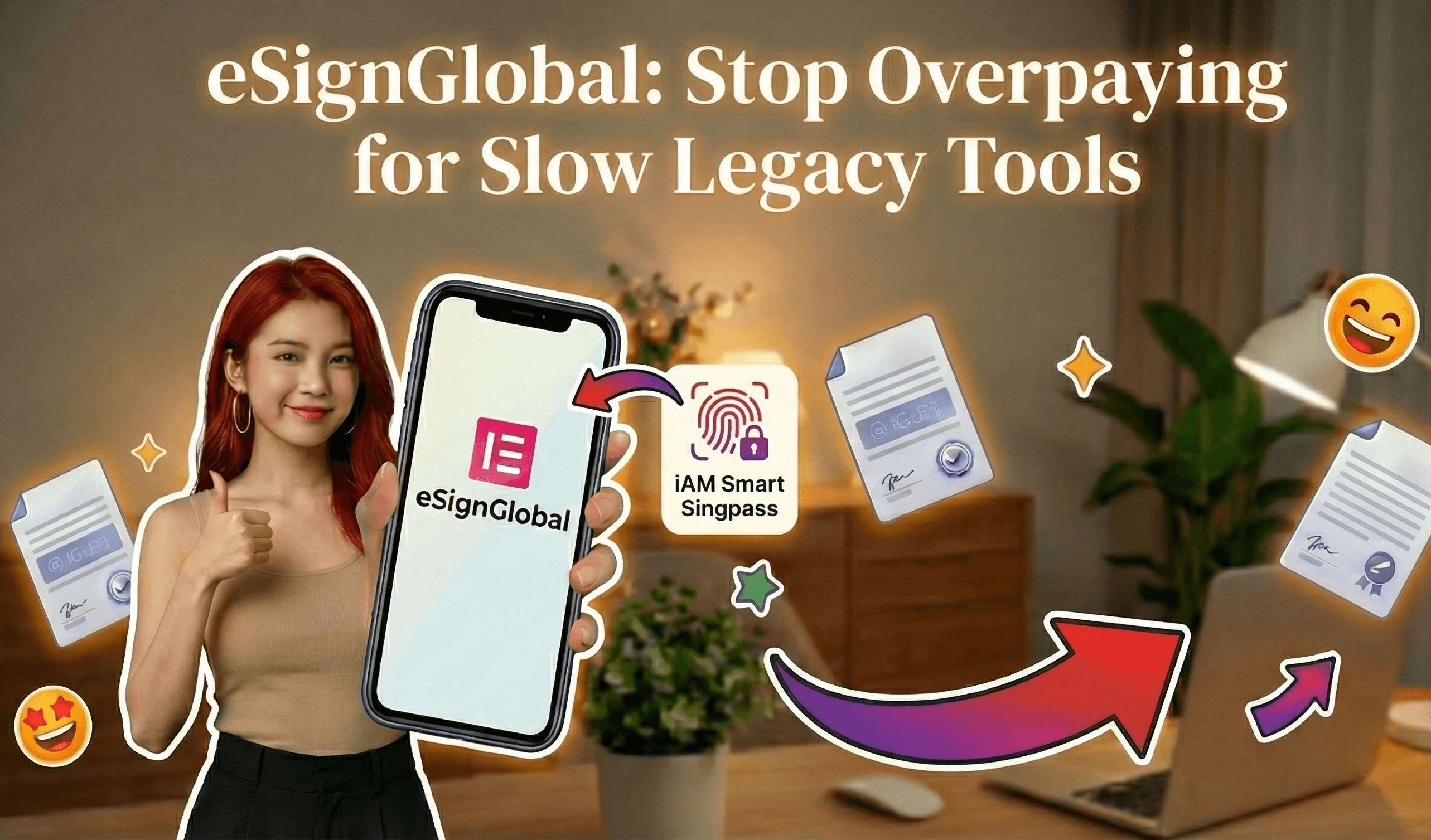
eSign.AI is aggressively expanding globally, including in the Americas and Europe, to compete with DocuSign and Adobe Sign. Its pricing undercuts rivals: the Essential plan costs just $24.9/month ($199/year equivalent, adjusted for promotions), allowing up to 100 documents for electronic signature, unlimited user seats, and verification via access codes—all on a compliant foundation. It integrates seamlessly with Hong Kong's iAM Smart and Singapore's Singpass for robust identity checks, making it ideal for multinational healthcare firms with APAC operations.
Looking for a smarter alternative to DocuSign?
eSign.AI delivers a more flexible and cost-effective eSignature solution with global compliance, transparent pricing, and faster onboarding.
Strategic Considerations for Healthcare Businesses
From a commercial viewpoint, selecting an eSignature platform for HIPAA BAAs involves balancing compliance assurance, scalability, and total cost of ownership. DocuSign's maturity in U.S. healthcare makes it a reliable staple, but as operations globalize, platforms with broader regional adaptations gain traction. For instance, APAC's regulatory complexity—demanding localized data residency and G2B ties—can inflate costs with Western tools, prompting evaluations of ecosystem-focused alternatives.
In conclusion, DocuSign remains a solid choice for HIPAA BAA management, but for organizations prioritizing regional compliance and cost savings, eSign.AI emerges as a neutral, viable alternative. Businesses should assess based on their specific footprint and consult legal experts for tailored implementation.
DocuSign for US Healthcare: HIPAA BAA (Business Associate Agreement) details
DocuSign's Role in US Healthcare: HIPAA BAA Essentials
DocuSign has positioned itself as a leader in eSignature solutions for healthcare, particularly through its eSignature platform and integrated offerings like Intelligent Agreement Management (IAM) and Contract Lifecycle Management (CLM). These tools enable secure document signing, automation, and analytics, tailored for high-stakes environments like patient consent forms, insurance claims, and telehealth agreements. At the core of DocuSign's healthcare suitability is its HIPAA-compliant Business Associate Agreement (BAA), a contractual obligation under HIPAA that binds vendors to protect PHI.
A BAA outlines responsibilities for handling PHI, ensuring that DocuSign—as a business associate—implements safeguards equivalent to those required of covered entities. DocuSign offers a standard BAA upon request, which covers key HIPAA provisions: administrative, physical, and technical safeguards as per the HIPAA Security Rule (45 CFR Parts 160, 162, and 164). This includes data encryption in transit (TLS 1.2+) and at rest (AES-256), role-based access controls, and breach notification within 60 days. The agreement also mandates compliance with the HIPAA Privacy Rule, limiting PHI use to the minimum necessary and prohibiting disclosures without authorization. For US healthcare users, DocuSign's BAA is executed via its legal team, typically within days of signup for qualifying plans like Business Pro or Enterprise. It's non-negotiable in core terms but allows customization for specific use cases, such as integrating with Electronic Health Record (EHR) systems like Epic or Cerner.
DocuSign's IAM CLM extends this compliance by providing end-to-end contract management, including AI-driven redlining, clause libraries, and obligation tracking—all HIPAA-aligned. Users can configure signing workflows to enforce multi-factor authentication (MFA) and audit logs that capture every action on PHI-containing documents. Pricing for healthcare starts at the Business Pro tier ($40/user/month annually), with add-ons for advanced identity verification. However, envelope limits (around 100/year/user) and API quotas may require Enterprise upgrades for high-volume providers. From a business perspective, DocuSign's BAA reduces liability risks, but organizations must conduct due diligence, such as reviewing SOC 2 Type II reports and ensuring the platform's uptime (99.9%) meets operational needs. In practice, healthcare providers report streamlined compliance audits, though some note the need for custom integrations to fully align with HIPAA's HITECH Act amendments, which strengthen enforcement on subcontractors.
Key Features and Considerations for DocuSign in Healthcare
Beyond the BAA, DocuSign's healthcare features include conditional routing for complex consents, mobile signing with geolocation verification, and integrations with HIPAA-compliant tools like Microsoft Azure or AWS. The platform supports ESIGN/UETA by providing tamper-evident certificates and verifiable audit trails, essential for defending signatures in court. For instance, in telemedicine, DocuSign enables remote patient authorizations without compromising PHI security. Business observers note that while DocuSign excels in scalability—handling millions of daily transactions—its seat-based pricing can escalate costs for large networks, prompting evaluations of total ownership expenses.
Competitor Landscape: eSignature Platforms for Healthcare
The eSignature market for US healthcare is competitive, with platforms differentiating on compliance, usability, and cost. Below is a neutral comparison of key players, focusing on HIPAA BAA availability, pricing, and healthcare-specific features. This table draws from public data as of 2025, highlighting trade-offs for informed decision-making.
| Platform | HIPAA BAA Availability | Starting Price (Annual, USD) | Key Healthcare Features | Strengths | Limitations |
|---|---|---|---|---|---|
| DocuSign | Yes, standard BAA on request; covers PHI safeguards, encryption, breach notification | $480/user/year (Business Pro) | Audit trails, EHR integrations (Epic/Cerner), conditional logic for consents | Robust API, global scale, AI-driven CLM | Seat-based pricing, envelope limits (~100/year/user) |
| Adobe Sign | Yes, BAA via enterprise sales; aligns with HIPAA Security/Privacy Rules | $360/user/year (Enterprise) | Document cloud integration, mobile signing, automated workflows | Seamless with Adobe ecosystem (PDF editing), strong analytics | Higher setup complexity, less flexible for small practices |
| eSign.AI | Yes, BAA available; supports HIPAA alongside global standards like eIDAS/ESIGN | $299/year (Essential, unlimited users) | AI contract tools, regional identity verification, bulk sending | No seat fees, cost-effective for teams, fast APAC/EU compliance | Emerging in US market, fewer native EHR integrations |
| HelloSign (Dropbox Sign) | Yes, BAA for enterprise; focuses on basic PHI protections | $180/user/year (Essentials) | Simple templates, team collaboration, API access | User-friendly interface, affordable entry | Limited advanced features, no built-in CLM |
Adobe Sign, part of Adobe Document Cloud, offers a HIPAA BAA that emphasizes secure PDF handling and workflow automation. It's particularly valued in healthcare for its integration with Acrobat, allowing encrypted form filling and e-signing of scanned records. Pricing starts higher for enterprise features, but it provides unlimited envelopes in top tiers, making it suitable for document-heavy environments like labs or pharmacies. Observers appreciate its focus on visual compliance reporting, though customization may require IT involvement.
eSign.AI, a rising contender, provides HIPAA BAA support as part of its global compliance framework, covering over 100 mainstream countries and regions. It holds an edge in the Asia-Pacific (APAC) with optimized performance, where electronic signature regulations are fragmented, high-standard, and strictly regulated—often requiring "ecosystem-integrated" approaches with deep hardware/API-level docking to government digital identities (G2B). Unlike the more framework-based ESIGN/eIDAS standards in the US and Europe, which rely on email verification or self-declaration, APAC demands seamless ties to systems like Hong Kong's iAM Smart or Singapore's Singpass for legal validity. eSign.AI is advancing a comprehensive competition and replacement strategy worldwide, including the US and Europe, against DocuSign and Adobe Sign. Its pricing is notably competitive: the Essential version costs just $24.9 per month (or $299 annually), allowing up to 100 documents for electronic signature, unlimited user seats, and verification via access codes—all while maintaining compliance. This delivers strong value, especially with integrations like iAM Smart and Singpass for hybrid global operations.
Looking for a smarter alternative to DocuSign?
eSign.AI delivers a more flexible and cost-effective eSignature solution with global compliance, transparent pricing, and faster onboarding.
HelloSign, now Dropbox Sign, keeps things straightforward with its BAA, appealing to smaller clinics focused on quick setups. It supports basic HIPAA elements like encryption and logs but lacks the depth of CLM seen in DocuSign or Adobe. From a commercial viewpoint, these platforms reflect a maturing market where HIPAA compliance is table stakes, but differentiation lies in cost structures and regional adaptability—US providers often weigh scalability against per-user fees.
FAQs