
'%3e%3cpath%20fill-rule='evenodd'%20clip-rule='evenodd'%20d='M6.99935%2012.8327C10.221%2012.8327%2012.8327%2010.221%2012.8327%206.99935C12.8327%203.77769%2010.221%201.16602%206.99935%201.16602C3.77769%201.16602%201.16602%203.77769%201.16602%206.99935C1.16602%2010.221%203.77769%2012.8327%206.99935%2012.8327Z'%20stroke='%23666666'%20stroke-linecap='round'%20stroke-linejoin='round'/%3e%3cpath%20d='M1.16602%207H12.8327'%20stroke='%23666666'%20stroke-linecap='round'%20stroke-linejoin='round'/%3e%3cpath%20fill-rule='evenodd'%20clip-rule='evenodd'%20d='M6.99935%2012.8327C8.28802%2012.8327%209.33268%2010.221%209.33268%206.99935C9.33268%203.77769%208.28802%201.16602%206.99935%201.16602C5.71068%201.16602%204.66602%203.77769%204.66602%206.99935C4.66602%2010.221%205.71068%2012.8327%206.99935%2012.8327Z'%20stroke='%23666666'%20stroke-linecap='round'%20stroke-linejoin='round'/%3e%3cpath%20d='M2.875%202.95898C3.93063%204.01461%205.38896%204.66754%206.99978%204.66754C8.61062%204.66754%2010.069%204.01461%2011.1246%202.95898'%20stroke='%23666666'%20stroke-linecap='round'%20stroke-linejoin='round'/%3e%3cpath%20d='M11.1246%2011.0425C10.069%209.98691%208.61062%209.33398%206.99978%209.33398C5.38896%209.33398%203.93063%209.98691%202.875%2011.0425'%20stroke='%23666666'%20stroke-linecap='round'%20stroke-linejoin='round'/%3e%3c/g%3e%3cdefs%3e%3cclipPath%20id='clip0_1267_9109'%3e%3crect%20width='14'%20height='14'%20fill='white'/%3e%3c/clipPath%3e%3c/defs%3e%3c/svg%3e)


Why embed signing instead of redirecting?
Redirecting users to a third-party signing page creates friction: context switching, branding discontinuity, and drop-off. Embedded signing keeps the user inside your application throughout the signing process. The signing UI appears within an iframe or native component, branded with your look and feel, while the signature engine runs on the provider's backend.
Three embedding approaches compared
| Dev effort | Brand control | |
|---|---|---|
| Iframe embed | Low (frontend only) | Moderate — styled iframe |
| API + custom UI | High (full stack) | Full — build your own UI |
| Mobile SDK | Medium (platform-specific) | Full native experience |
When to embed signing
Embedded signing is not always the right choice. Here are the scenarios where it delivers the most value.
SaaS products with contract flows. If your product already has a workflow where contracts are generated (e.g. HR onboarding, loan origination, vendor registration), embedding signing eliminates the redirect and keeps users in flow.
Customer portals and intranets. Enterprise portals that serve employees or customers can embed signing for policy acknowledgements, internal approvals, and self-service agreements without sending users to an external tool.
High-volume transactions. When signing volume is high (thousands per day), each redirect costs conversion. Embedded signing reduces drop-off and improves completion rates, directly impacting revenue.
Regulated workflows with audit requirements. Embedded signing gives you control over the complete user journey, making it easier to implement custom audit trails, regulatory disclosures, and consent capture within your own application context.
The embedded signing API flow
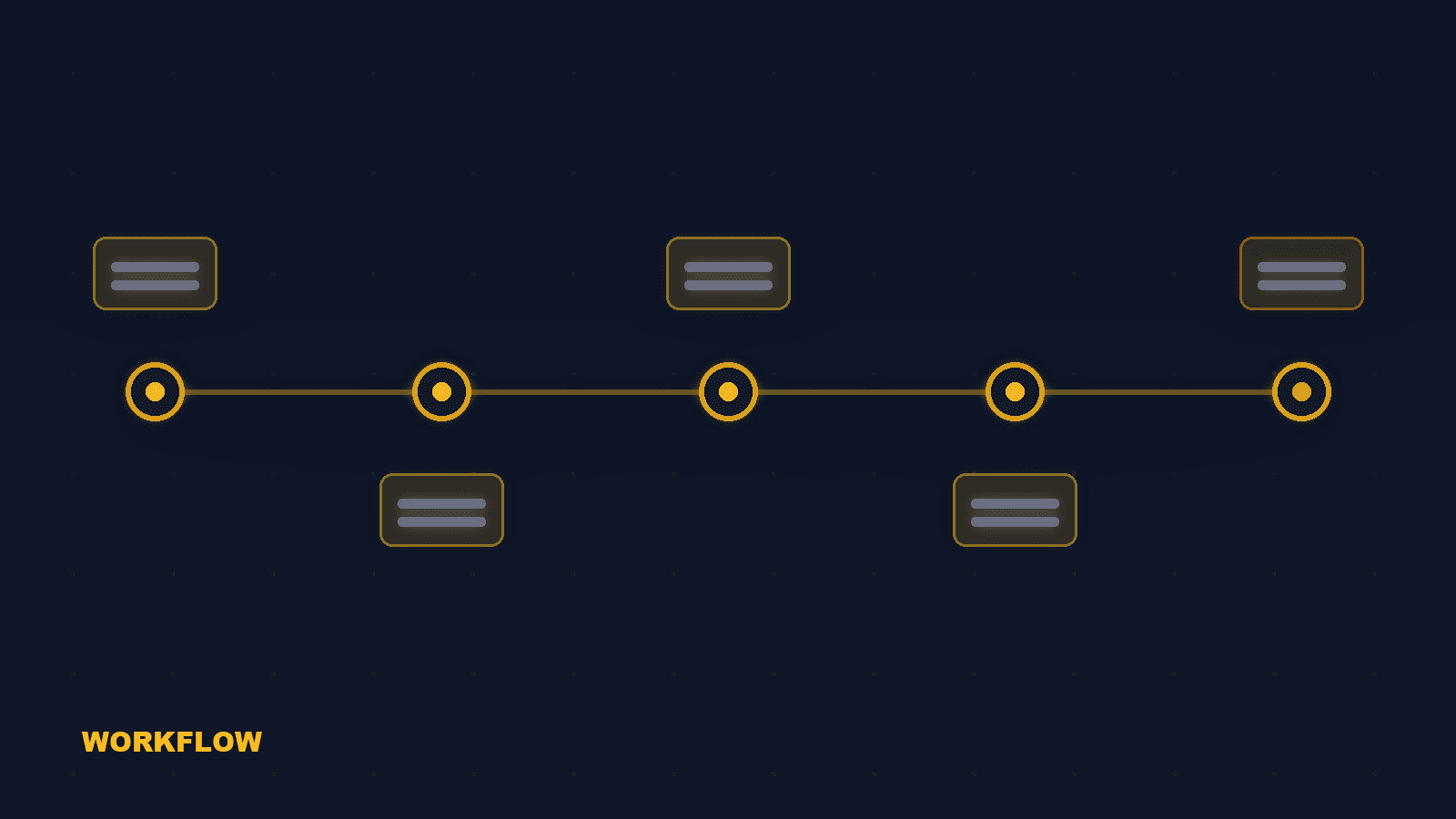
A typical embedded signing implementation follows this sequence.
Create envelope via API
Your backend calls the signing API to create an envelope: upload the document, define signature fields, set signer roles, and configure authentication requirements. The API returns an envelope ID.
Generate signing URL
For each signer, request a signing URL from the API. The URL includes a one-time token that authenticates the signer for this specific envelope. Optionally pass recipient authentication (access code, SMS OTP, eID).
Embed in iframe or SDK
Render the signing URL in an iframe (web) or mobile SDK (iOS/Android). The signing UI loads inside your application. Customize the appearance to match your brand colors, fonts, and logo.
Handle completion webhook
When the signer completes (or declines), the signing platform sends a webhook to your backend. Use this to update your application state, trigger next steps, or notify other parties.
Retrieve signed document
Download the signed document and the evidence package (certificate of completion, audit trail) via API. Store them in your system or cloud storage.
Technical considerations for embedded signing
Cross-origin and CSP. Iframe embedding requires the signing domain to be allowed in your Content Security Policy. Configure frame-ancestors and child-src headers. Most signing platforms provide a whitelist mechanism for your domains.
Webhook reliability. Webhooks can fail due to network issues. Implement idempotent webhook handlers and a polling fallback that checks envelope status periodically. Never rely solely on webhooks for critical state transitions.
Mobile responsiveness. Signing UI must work on mobile devices. Test iframe-based signing on iOS Safari and Android Chrome. Some signature pad implementations have touch event issues on mobile. Use SDKs for native mobile apps.
Rate limits and batching. High-volume embedded signing may hit API rate limits. Implement request queuing and batch envelope creation where supported. Monitor API usage and set up alerts for approaching limits.
How eSign.AI embedded signing works
eSign.AI provides white-label embedded signing for SaaS products that need signing inside their own interface.
iFrame and component SDK. Embed the eSign.AI signing experience inside your product via an iFrame or React/Vue component. The signer never leaves your application. The embedded signing supports all eSign.AI features: multi-party routing, identity verification, QES, audit trail.
Webhooks for real-time status. Configure webhooks to receive signing events: envelope sent, viewed, signed, completed, declined. Your application can trigger downstream workflows (contract activation, notification, billing) immediately upon signature completion.
Embedded eSignature API: latency, SLAs, and webhooks
Performance specifications for API integration planning.
API latency benchmarks. eSign.AI: create envelope 200-400 ms, get status 50-100 ms, download signed PDF 300-800 ms. DocuSign: create envelope 300-600 ms, get status 80-150 ms. Adobe Sign: create envelope 400-800 ms. Embedded signing iFrame load: eSign.AI 1-2 seconds, DocuSign 2-4 seconds.
Webhook reliability. eSign.AI webhooks: 30-second timeout, 3 retries with exponential backoff (5 min, 30 min, 2 hours), HMAC signature for payload verification. DocuSign: 10-second timeout, 24-hour retry window. Adobe Sign: 3-second timeout, 6 retries over 72 hours. For real-time downstream workflows, eSign.AI has the most reliable webhook delivery.
Frequently asked questions
No. The legal validity of the signature depends on the signature method (SES, AES, QES), identity verification, and evidence package — not on whether the signing UI is embedded or redirected. Embedded signing produces the same legal evidence as standalone signing.
