
'%3e%3cpath%20fill-rule='evenodd'%20clip-rule='evenodd'%20d='M6.99935%2012.8327C10.221%2012.8327%2012.8327%2010.221%2012.8327%206.99935C12.8327%203.77769%2010.221%201.16602%206.99935%201.16602C3.77769%201.16602%201.16602%203.77769%201.16602%206.99935C1.16602%2010.221%203.77769%2012.8327%206.99935%2012.8327Z'%20stroke='%23666666'%20stroke-linecap='round'%20stroke-linejoin='round'/%3e%3cpath%20d='M1.16602%207H12.8327'%20stroke='%23666666'%20stroke-linecap='round'%20stroke-linejoin='round'/%3e%3cpath%20fill-rule='evenodd'%20clip-rule='evenodd'%20d='M6.99935%2012.8327C8.28802%2012.8327%209.33268%2010.221%209.33268%206.99935C9.33268%203.77769%208.28802%201.16602%206.99935%201.16602C5.71068%201.16602%204.66602%203.77769%204.66602%206.99935C4.66602%2010.221%205.71068%2012.8327%206.99935%2012.8327Z'%20stroke='%23666666'%20stroke-linecap='round'%20stroke-linejoin='round'/%3e%3cpath%20d='M2.875%202.95898C3.93063%204.01461%205.38896%204.66754%206.99978%204.66754C8.61062%204.66754%2010.069%204.01461%2011.1246%202.95898'%20stroke='%23666666'%20stroke-linecap='round'%20stroke-linejoin='round'/%3e%3cpath%20d='M11.1246%2011.0425C10.069%209.98691%208.61062%209.33398%206.99978%209.33398C5.38896%209.33398%203.93063%209.98691%202.875%2011.0425'%20stroke='%23666666'%20stroke-linecap='round'%20stroke-linejoin='round'/%3e%3c/g%3e%3cdefs%3e%3cclipPath%20id='clip0_1267_9109'%3e%3crect%20width='14'%20height='14'%20fill='white'/%3e%3c/clipPath%3e%3c/defs%3e%3c/svg%3e)


Signing paper contracts online in 60 seconds
Signing a paper contract online means digitizing the paper into a signed digital record: scan at the right quality, make the content searchable, add signatures through an e-signature platform, and archive the signed PDF with its audit certificate. Done right, the digital record is stronger evidence than the paper original.
Why digital often beats paper in evidence terms
A paper original can be altered, lost, or disputed over handwriting authenticity. A properly digitized and e-signed record carries timestamps, identity verification, and a tamper-evident hash. In most jurisdictions, that digital evidence package is easier to present and verify than a stack of paper.
Scan resolution for contracts
Formats to keep after scan
Evidence layers in digital record
Retention recommendation (years)
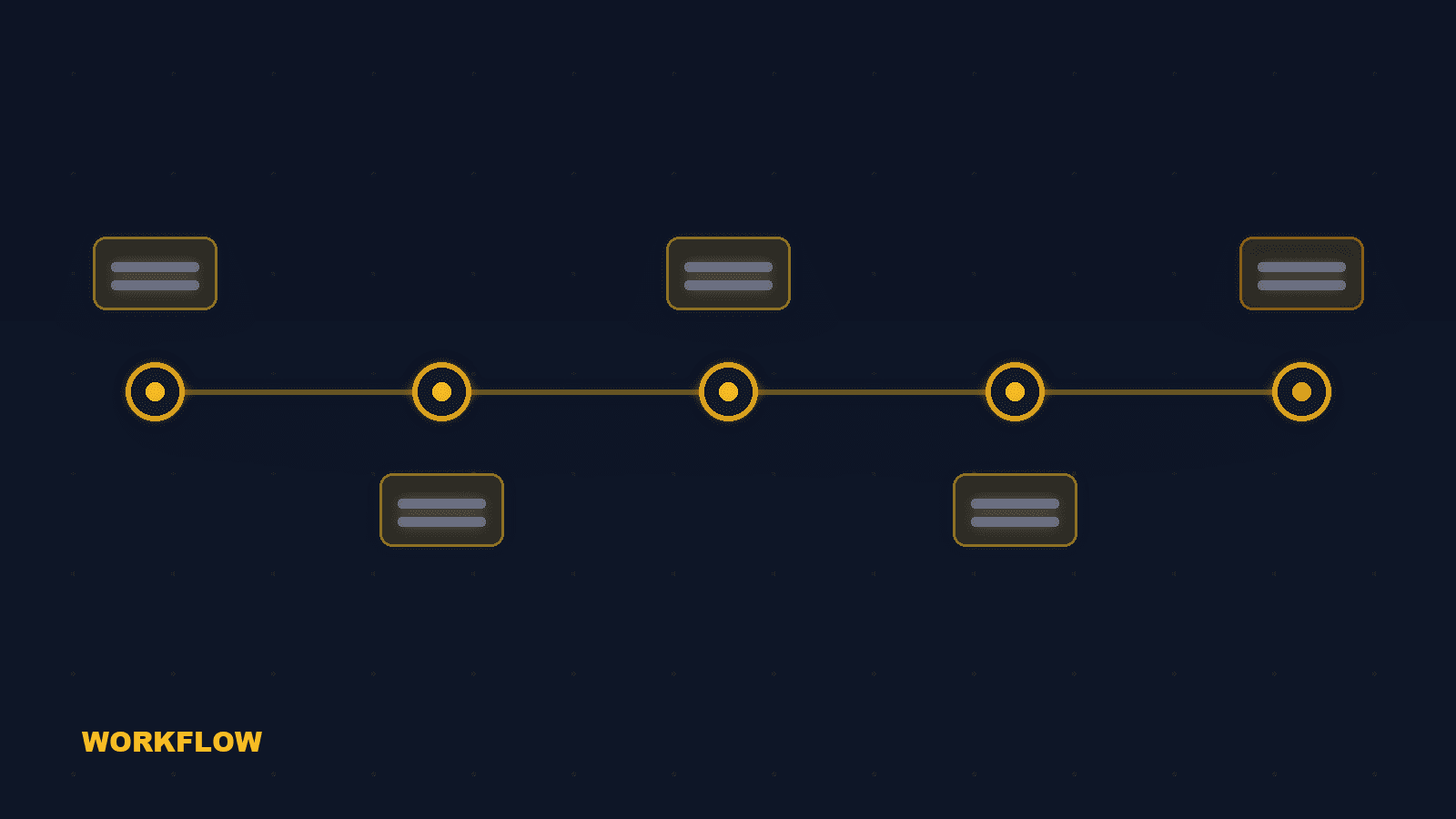
The 4-step digitization workflow
Follow these four steps to turn paper into a signed digital record that holds up. Scan at 300 DPI. 300 DPI is the practical minimum for readable text and reliable OCR. Higher resolution is rarely needed and bloats file size. Add OCR for searchability. OCR turns scanned images into searchable text. This matters for finding clauses later, and it supports automated review workflows. Sign through a platform. Upload the scanned PDF to an e-signature platform, place fields, and route recipients. The platform adds identity, timestamps, and hash. Archive PDF + certificate. Save the signed PDF with the audit certificate. This pair is the complete evidence package.
Scan quality: the foundation
Scan quality determines everything downstream. Get this right and the rest is straightforward. 300 DPI minimum. Below 300 DPI, small print becomes unreadable and OCR accuracy drops sharply. Above 600 DPI, files become unwieldy without real benefit. Straighten and crop. A skewed page breaks OCR and makes field placement unreliable. Straighten each page before uploading. Color vs grayscale. Grayscale is usually enough for text contracts and keeps file size down. Color only when seals, stamps, or signatures in color matter.
OCR: making scanned contracts searchable
OCR is what turns a scanned image into a working document. Searchable PDF. A PDF with an invisible text layer on top of the image. You can search, copy, and quote clauses, which matters in negotiation and disputes. OCR accuracy varies by language. OCR engines handle English well, but accuracy varies for CJK, Arabic, and mixed-language documents. Verify key numbers and names after OCR. Keep the original image layer. Never replace the scanned image with text-only output. Keep the image layer as the visual original; the text layer is an index on top.
Signing the digitized contract
The signing step is where the digital record gains its evidence layers. Choose identity verification to match risk. Email verification suits routine contracts; SMS or knowledge-based verification for higher value. Match the verification to the document's risk, not the maximum available. Keep the audit trail on. Every open, view, and sign event is recorded. Do not disable audit features to "simplify" the process; they are the evidence. Verify the signed output. After completion, open the signed PDF and confirm every page, field, and signature landed correctly before archiving.
Common questions about digitizing paper contracts
In most jurisdictions, yes, when the signing process is recorded properly. The digital record often carries stronger evidence than paper because of timestamps and tamper evidence.
The eSign.AI digitization workflow
eSign.AI accepts scanned PDFs, supports OCR-friendly workflows, and adds a complete evidence package: identity verification, timestamps, document hash, and an independent audit certificate. For teams digitizing legacy paper archives or moving daily paper signing online, the platform keeps the process simple while the evidence stays court-ready.


