
'%3e%3cpath%20fill-rule='evenodd'%20clip-rule='evenodd'%20d='M6.99935%2012.8327C10.221%2012.8327%2012.8327%2010.221%2012.8327%206.99935C12.8327%203.77769%2010.221%201.16602%206.99935%201.16602C3.77769%201.16602%201.16602%203.77769%201.16602%206.99935C1.16602%2010.221%203.77769%2012.8327%206.99935%2012.8327Z'%20stroke='%23666666'%20stroke-linecap='round'%20stroke-linejoin='round'/%3e%3cpath%20d='M1.16602%207H12.8327'%20stroke='%23666666'%20stroke-linecap='round'%20stroke-linejoin='round'/%3e%3cpath%20fill-rule='evenodd'%20clip-rule='evenodd'%20d='M6.99935%2012.8327C8.28802%2012.8327%209.33268%2010.221%209.33268%206.99935C9.33268%203.77769%208.28802%201.16602%206.99935%201.16602C5.71068%201.16602%204.66602%203.77769%204.66602%206.99935C4.66602%2010.221%205.71068%2012.8327%206.99935%2012.8327Z'%20stroke='%23666666'%20stroke-linecap='round'%20stroke-linejoin='round'/%3e%3cpath%20d='M2.875%202.95898C3.93063%204.01461%205.38896%204.66754%206.99978%204.66754C8.61062%204.66754%2010.069%204.01461%2011.1246%202.95898'%20stroke='%23666666'%20stroke-linecap='round'%20stroke-linejoin='round'/%3e%3cpath%20d='M11.1246%2011.0425C10.069%209.98691%208.61062%209.33398%206.99978%209.33398C5.38896%209.33398%203.93063%209.98691%202.875%2011.0425'%20stroke='%23666666'%20stroke-linecap='round'%20stroke-linejoin='round'/%3e%3c/g%3e%3cdefs%3e%3cclipPath%20id='clip0_1267_9109'%3e%3crect%20width='14'%20height='14'%20fill='white'/%3e%3c/clipPath%3e%3c/defs%3e%3c/svg%3e)


Sealed in 60 seconds
In e-signature products, "sealing" a document means applying a cryptographic lock so that any change to the document after signing is detectable. The document is wrapped with a digital seal — a signed hash or certificate — that binds the final signed state. Open it, and the seal is broken; tamper with it, and validation fails. Sealing is the mechanism that makes "signed and locked" more than a workflow feature: it is a cryptographic guarantee.
Detects
Binds
Backed by
Typical output
How sealing works
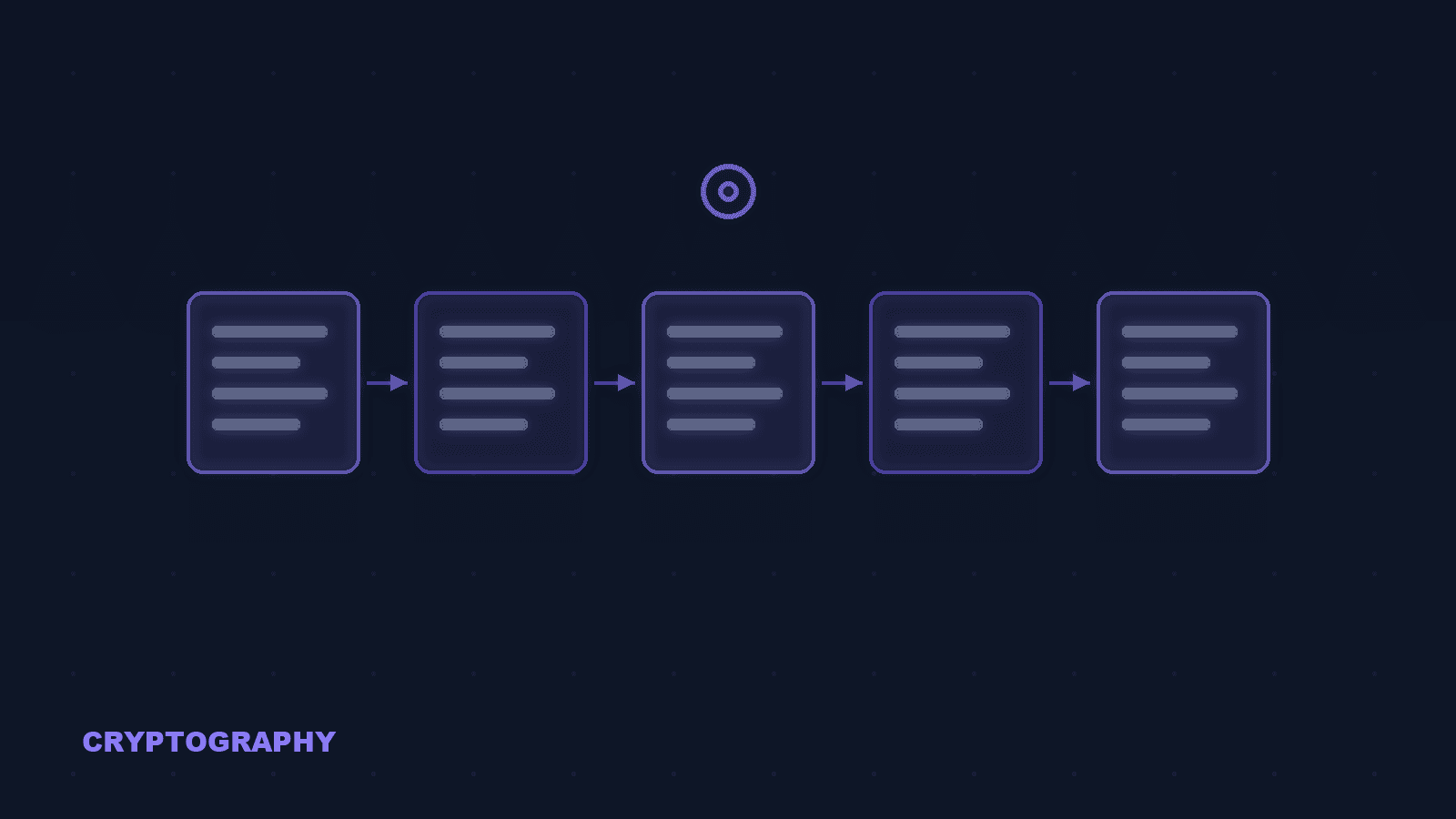
Sealing is a chain of cryptographic steps that locks the document at the moment signing completes. Hash the final document. When all signers finish, the platform computes a cryptographic hash of the final document — a fixed-size fingerprint of the exact bytes. Any later change, even a single character, produces a different hash. Sign the hash into a seal. The hash is signed (by the platform's sealing key or a qualified seal certificate) and embedded in the document as a seal. The seal records the document's state at the moment of sealing. Add a trusted timestamp. A trusted timestamp is often added so the seal is provably valid at a specific time — critical for long-term validity after certificates expire (LTV). Validate by re-hashing. To check integrity, a validator recomputes the document hash and compares it to the sealed value. If they match, the document is unaltered since sealing; if not, the seal is broken and the document fails validation.
Seal vs signature vs envelope: the vocabulary
Sealing, signing, and enveloping sound similar and are often used loosely. Here is the precise picture. Signature = who and unaltered. A digital signature proves who signed and that the content was not altered since signing. It is the legal act — the signer's identity, intent, and consent. Seal = the final lock. Sealing is the final lock applied by the platform (or a qualified seal creator) after all signatures are collected. It proves the completed document — with every signature in place — has not been modified since the workflow closed. Envelope = secrecy, separate concern. An envelope encrypts content so only the intended recipient can read it. Sealing and signing prove integrity; enveloping provides confidentiality. A sealed signed document may still be readable by anyone who gets a copy — sealing is not encryption. Product "envelope" is a container. In DocuSign and similar products, "envelope" refers to the whole sending container — recipients, documents, tabs, and status. "Sealed" in that context can mean the workflow is closed to changes, which is a workflow state, not necessarily a cryptographic seal.
Why sealing matters for compliance
Sealing is not just a nicety — it is what makes signed documents usable as evidence over time. Evidence integrity over time. A signed contract is only useful if it can be shown to be exactly what the parties signed. Sealing creates a verifiable fingerprint of the final state, so years later the document can be proven unchanged — the essence of evidence integrity. Qualified seals under eIDAS. eIDAS recognizes qualified electronic seals (QESeal) created with qualified seal-creation devices, giving sealed documents strong evidentiary weight — especially for documents created by legal entities rather than individuals. Regulated record-keeping. Regulated industries (life sciences, financial services, healthcare) routinely require tamper-evident records — for example FDA 21 CFR Part 11. Sealing with a timestamp is a concrete way to demonstrate that requirement. Long-term validation (LTV). An LTV-sealed document carries the timestamp and certificate chain needed to remain valid after the sealing certificate expires — otherwise a document sealed today could become unverifiable in a few years.
Common questions about sealing
Sealing locks the completed document cryptographically so any modification after signing is detectable. In e-signature products it usually happens automatically when the workflow closes, and produces a seal certificate that can be validated later.
How eSign.AI handles sealing
eSign.AI seals completed documents with cryptographic tamper-evidence, trusted timestamps, and complete evidence packages — including the certificate chain needed for long-term validation — so a signed document stays provably authentic for as long as you need to keep it.
Quick sealing checklist
What to check when a vendor tells you your documents are sealed. Cryptographic, not cosmetic. Confirm that sealing is cryptographic (hash + signed seal), not just a workflow state that blocks editing. Ask what exactly gets sealed and when. Timestamp included?. Ask whether a trusted timestamp is embedded. Without one, the seal cannot prove the document existed in that state at a specific time. LTV evidence package. Check that the evidence package contains the seal certificate and chain needed for validation years later (LTV). Matches your regime. For regulated use (life sciences, finance, healthcare), verify the sealing design maps to your regime — e.g., FDA 21 CFR Part 11 or eIDAS qualified seals.


