
'%3e%3cpath%20fill-rule='evenodd'%20clip-rule='evenodd'%20d='M6.99935%2012.8327C10.221%2012.8327%2012.8327%2010.221%2012.8327%206.99935C12.8327%203.77769%2010.221%201.16602%206.99935%201.16602C3.77769%201.16602%201.16602%203.77769%201.16602%206.99935C1.16602%2010.221%203.77769%2012.8327%206.99935%2012.8327Z'%20stroke='%23666666'%20stroke-linecap='round'%20stroke-linejoin='round'/%3e%3cpath%20d='M1.16602%207H12.8327'%20stroke='%23666666'%20stroke-linecap='round'%20stroke-linejoin='round'/%3e%3cpath%20fill-rule='evenodd'%20clip-rule='evenodd'%20d='M6.99935%2012.8327C8.28802%2012.8327%209.33268%2010.221%209.33268%206.99935C9.33268%203.77769%208.28802%201.16602%206.99935%201.16602C5.71068%201.16602%204.66602%203.77769%204.66602%206.99935C4.66602%2010.221%205.71068%2012.8327%206.99935%2012.8327Z'%20stroke='%23666666'%20stroke-linecap='round'%20stroke-linejoin='round'/%3e%3cpath%20d='M2.875%202.95898C3.93063%204.01461%205.38896%204.66754%206.99978%204.66754C8.61062%204.66754%2010.069%204.01461%2011.1246%202.95898'%20stroke='%23666666'%20stroke-linecap='round'%20stroke-linejoin='round'/%3e%3cpath%20d='M11.1246%2011.0425C10.069%209.98691%208.61062%209.33398%206.99978%209.33398C5.38896%209.33398%203.93063%209.98691%202.875%2011.0425'%20stroke='%23666666'%20stroke-linecap='round'%20stroke-linejoin='round'/%3e%3c/g%3e%3cdefs%3e%3cclipPath%20id='clip0_1267_9109'%3e%3crect%20width='14'%20height='14'%20fill='white'/%3e%3c/clipPath%3e%3c/defs%3e%3c/svg%3e)


What document workflow automation software does
Document workflow automation software moves documents through a defined sequence — creation, approval, signing, verification, reminders, archiving — with as little manual handling as possible. It is the layer that turns 'email a PDF around and chase signatures' into a tracked, repeatable process. This guide defines the realistic scope of the category (what it covers and what it deliberately does not), the typical workflow stages, and how to evaluate a tool against your own process.
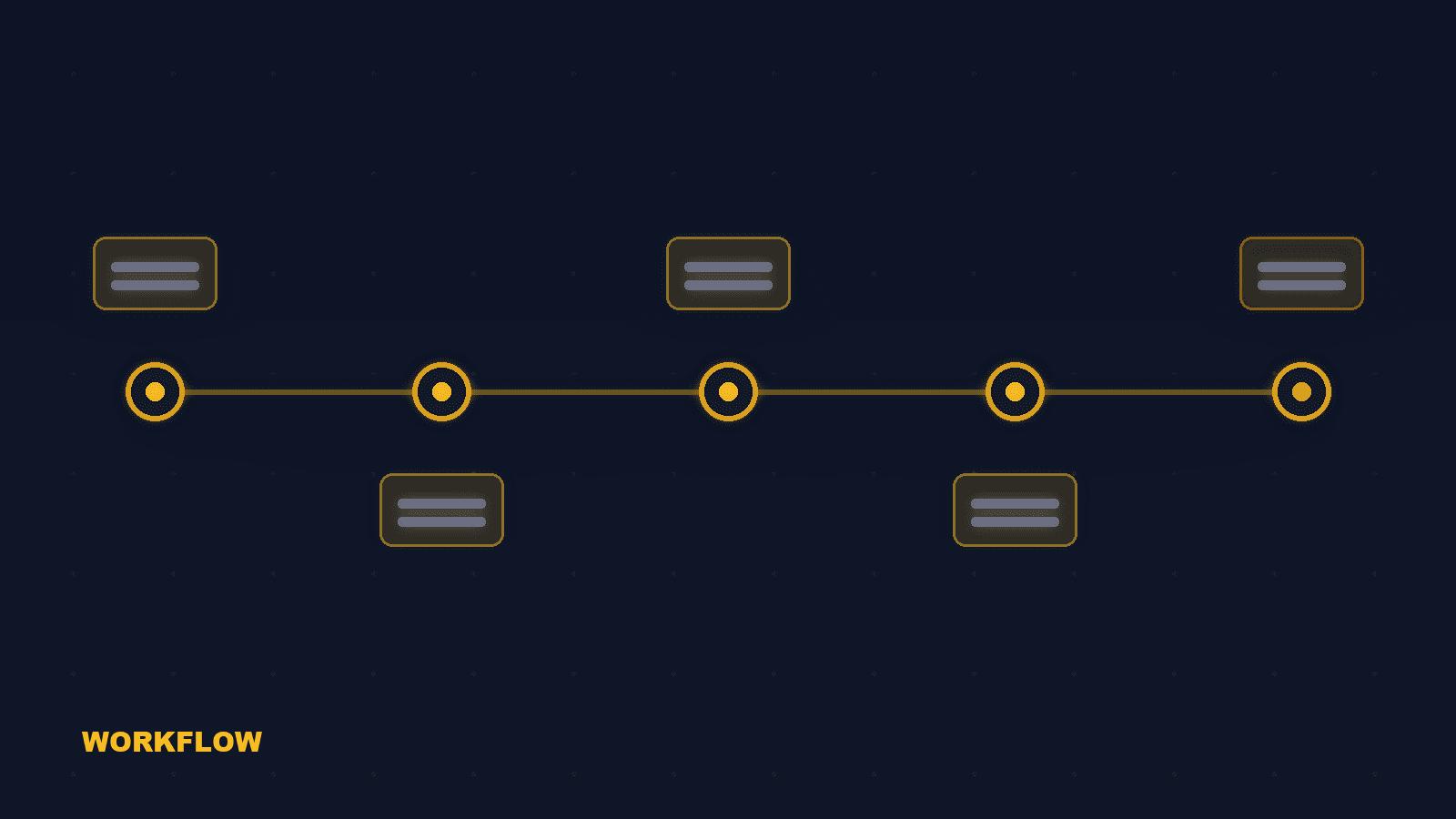
The seven stages of an automated document workflow
A complete signing-oriented workflow automation covers these stages. Most tools cover a subset; the gaps are where your team does manual work today.
Create / upload
Generate the document from a template, contract system, or API payload.
Review and approve
Route for internal review and approval with comments and version control.
Define signing order
Define signing order — sequential, parallel, or a mix — for internal and external parties.
Verify identity
Apply identity verification appropriate to the document risk: OTP, ID scan, or national eID.
Remind automatically
Automated reminders on schedule, with manual retry for stragglers.
Complete and archive
Archive the signed copy with a complete audit trail and retention policy.
Hand back via API
Send status and evidence back to your CRM, ERP, or HRM via API/webhook.
What document workflow automation is not
The category is frequently confused with contract lifecycle management (CLM). A signing workflow tool and a CLM platform solve different problems. CLM is a different category. CLM adds AI contract drafting, obligation management, renewal forecasting, and full-lifecycle analytics. A workflow automation tool stops at document production, signing, and evidence — it does not manage the contract's commercial lifecycle. Match the tool to the decision. If your need is 'get this document signed reliably and prove it', workflow automation is the right scope. If your need is 'manage 5,000 contracts' obligations and renewals', that is a CLM project.
How to evaluate a document workflow tool
Score candidates against your real process, not feature lists. Generation. Can the document be generated from your template system or API without re-typing data? Approval routing. Is the approval routing configurable (approver chains, conditions, delegation)? Signing order. Does signing order support sequential, parallel, and mixed flows, including visibility rules? Identity and evidence. Are identity verification and audit evidence part of the workflow definition, not an add-on? API and handback. Do webhooks and API return status and evidence into your own systems automatically? Archive and compliance. What is the retention and export story for completed agreements and audit logs?
Frequently asked questions
Document workflow automation moves documents through creation, approval, signing, verification, reminders, and archiving. CLM additionally manages contract obligations, renewals, and lifecycle analytics after signature.


