
'%3e%3cpath%20fill-rule='evenodd'%20clip-rule='evenodd'%20d='M6.99935%2012.8327C10.221%2012.8327%2012.8327%2010.221%2012.8327%206.99935C12.8327%203.77769%2010.221%201.16602%206.99935%201.16602C3.77769%201.16602%201.16602%203.77769%201.16602%206.99935C1.16602%2010.221%203.77769%2012.8327%206.99935%2012.8327Z'%20stroke='%23666666'%20stroke-linecap='round'%20stroke-linejoin='round'/%3e%3cpath%20d='M1.16602%207H12.8327'%20stroke='%23666666'%20stroke-linecap='round'%20stroke-linejoin='round'/%3e%3cpath%20fill-rule='evenodd'%20clip-rule='evenodd'%20d='M6.99935%2012.8327C8.28802%2012.8327%209.33268%2010.221%209.33268%206.99935C9.33268%203.77769%208.28802%201.16602%206.99935%201.16602C5.71068%201.16602%204.66602%203.77769%204.66602%206.99935C4.66602%2010.221%205.71068%2012.8327%206.99935%2012.8327Z'%20stroke='%23666666'%20stroke-linecap='round'%20stroke-linejoin='round'/%3e%3cpath%20d='M2.875%202.95898C3.93063%204.01461%205.38896%204.66754%206.99978%204.66754C8.61062%204.66754%2010.069%204.01461%2011.1246%202.95898'%20stroke='%23666666'%20stroke-linecap='round'%20stroke-linejoin='round'/%3e%3cpath%20d='M11.1246%2011.0425C10.069%209.98691%208.61062%209.33398%206.99978%209.33398C5.38896%209.33398%203.93063%209.98691%202.875%2011.0425'%20stroke='%23666666'%20stroke-linecap='round'%20stroke-linejoin='round'/%3e%3c/g%3e%3cdefs%3e%3cclipPath%20id='clip0_1267_9109'%3e%3crect%20width='14'%20height='14'%20fill='white'/%3e%3c/clipPath%3e%3c/defs%3e%3c/svg%3e)


文檔工作流自動化軟件做什麼
文檔工作流自動化軟件以儘可能少的人工處理,讓文檔走完既定序列——創建、審批、簽署、核驗、提醒、歸檔。它把「把 PDF 發來發去催簽名」變成可追蹤、可重複的流程。本指南界定該品類的現實範圍(涵蓋什麼、刻意不涵蓋什麼)、典型工作流階段,以及如何對照你的流程評估工具。
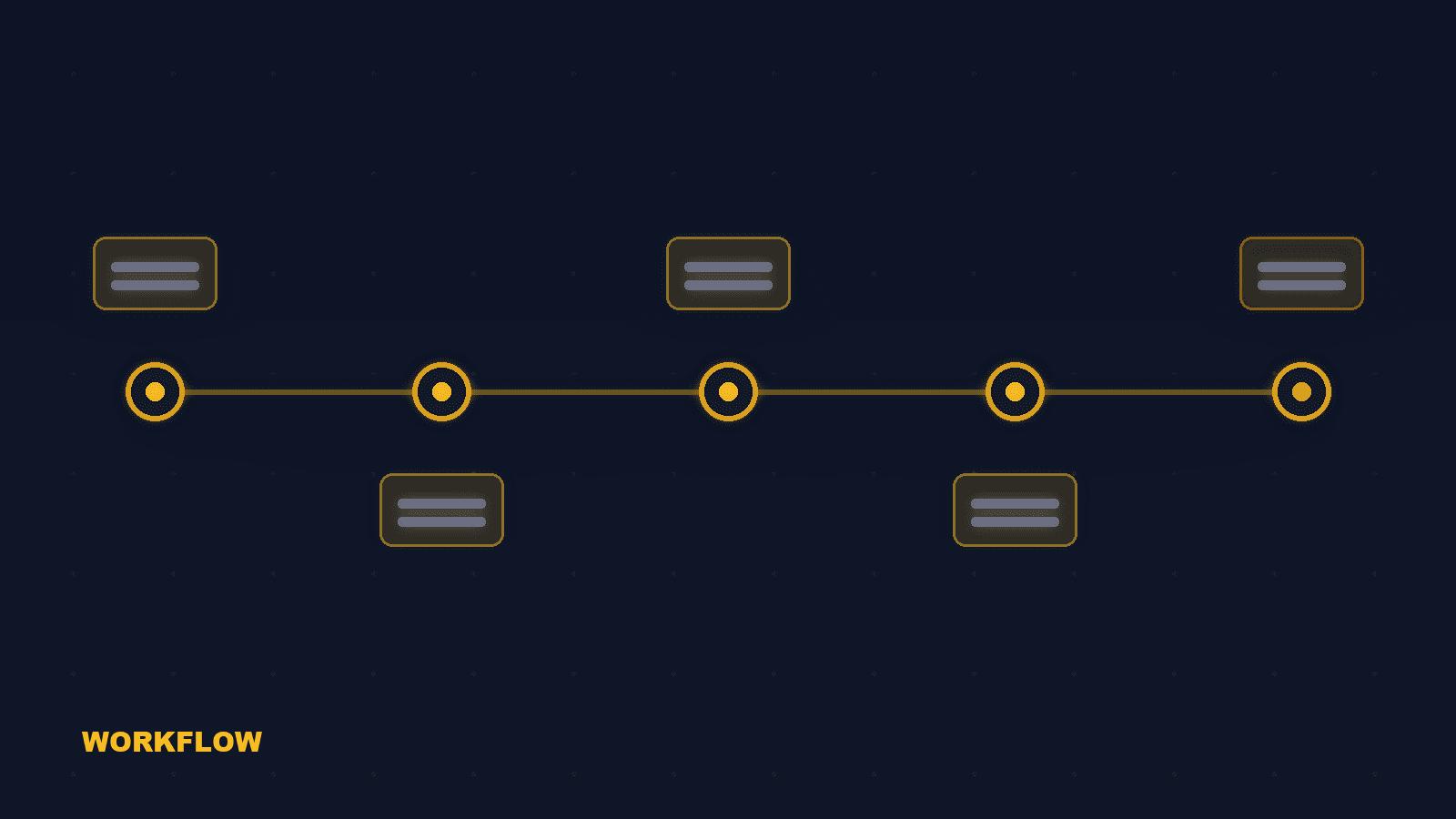
自動化文檔工作流的七個階段
完整的以簽署為導向的工作流自動化覆蓋以下階段。多數工具只覆蓋一部分;缺口正是你的團隊目前手工勞動的地方。
創建 / 上傳
從模板、合同系統或 API 載荷生成文檔。
審閲與審批
帶評論與版本控制路由內部審閲與審批。
定義簽署順序
定義簽署順序——順序、並行或混合——覆蓋內外部各方。
核驗身份
應用與文檔風險匹配的身份核驗:OTP、證件掃描或國家電子身份。
自動提醒
按計劃自動提醒,對遺漏者手動重試。
完成並歸檔
將簽署副本連同完整審計追蹤與留存策略歸檔。
API 交還
通過 API/webhook 將狀態與證據回傳 CRM、ERP 或 HRM。
文檔工作流自動化不是什麼
這個品類經常與合同生命週期管理(CLM)混淆。簽署工作流工具與 CLM 平台解決的是不同問題。 CLM 是不同品類. CLM 增加 AI 合同起草、義務管理、續約預測與全生命週期分析。工作流自動化工具止步於文檔生產、簽署與證據——它不管理合同的商業生命週期。 讓工具匹配決策. 如果你的需求是「讓這份文檔可靠地簽署並留下證明」,工作流自動化就是合適範圍。如果你的需求是「管理 5000 份合同的義務與續約」,那是 CLM 項目。
如何評估文檔工作流工具
對照你的真實流程給候選方案打分,而不是對照功能清單。 生成. 文檔能否從你的模板系統或 API 生成,而無需重新錄入數據? 審批路由. 審批路由是否可配置(審批人鏈、條件、委派)? 簽署順序. 簽署順序是否支持順序、並行與混合流程,包括可見性規則? 身份與證據. 身份核驗與審計證據是否屬於工作流定義的一部分,而不是附加項? API 與交還. webhook 與 API 是否自動將狀態與證據回傳你的系統? 歸檔與合規. 已完成協議與審計日誌的留存與導出方案如何?
常見問題
文檔工作流自動化讓文檔走完創建、審批、簽署、核驗、提醒與歸檔。CLM 還在簽署後管理合同義務、續約與生命週期分析。


